The best certificate maker depends on what happens after design. Certopus is the strongest balanced self-service option we found, Certifier stands out for design and credential marketing, SimpleCert is the clearest low-cost certificate-first choice, Open Badge Factory is strongest for open badge ecosystems, and Credly fits enterprise programs. CertificateJoy is our simpler early-access alternative, but it is not yet scored as a live product.
Choosing a certificate maker is not just a design decision. The certificate still has to reach the right recipient, remain verifiable, handle corrections or revocation, work with your course or event workflow, and stay affordable as volume grows.
We researched ten certificate and digital credential platforms across those jobs. We also reviewed Canva and Adobe Express as design-only alternatives, because they appear in many “certificate maker” lists even though they solve a narrower problem.
Publisher disclosure: CertificateJoy publishes this guide and is included in it. CertificateJoy is currently an early-access product, its pricing is not public, and the product screens on this site are illustrative previews. We have therefore left CertificateJoy unscored rather than awarding ourselves an unsupported win. Features, prices, and review evidence were checked on September 17, 2026.
Key takeaways
- Best balanced self-service platform: Certopus, for its mix of certificates, badges, design, automation, integrations, public pricing, and optional white-label controls. Its conflicting free allowance needs confirmation.
- Best for polished design and credential marketing: Certifier, with a broad template/editor experience, bulk delivery, branded recipient pages, analytics, API access, and a useful 250-credential free tier.
- Best low-cost certificate-first option: SimpleCert, especially for occasional issuers who can use non-expiring pay-as-you-go credits instead of an enterprise contract.
- Best standards-led badge ecosystem: Open Badge Factory, with independently certified Open Badges 3.0 issuance, a recipient passport, applications, endorsements, and transparent annual plans.
- Best enterprise credential network: Credly by Pearson, for large programs that prioritize governance, integrations, analytics, a recognized recipient network, and independently certified Open Badges support over transparent pricing.
- Best public entry plan for a mature growth platform: Accredible Launch, at $45 per month on a 12-month term for 50 unique recipients, with unlimited credentials to each recipient.
- CertificateJoy’s opportunity: make the common design → cohort issue → verification → sharing workflow simpler and better value than enterprise-heavy suites. Until launch status, limits, and pricing are public, that remains a product direction rather than a proven comparison result.

Our market map reflects product scope, not an absolute quality ranking. Canva and Adobe Express sit outside the lifecycle-platform group because they create files rather than managed credentials.
The best certificate makers at a glance
| Platform | Best for | Public entry price checked | Full credential lifecycle? | Main caveat |
|---|---|---|---|---|
| CertificateJoy | Simplicity-first early adopters | Not published | Planned; not independently tested | Early access, with no public plans or limits |
| Certopus | Balanced self-service issuing | Free allowance advertised; Standard at $24.16/month effective for 1,000/year | Yes | Official pages conflicted between 50 and 250 free credentials |
| Certifier | Design, bulk delivery, and credential marketing | 250/year free; Starter $49/month effective for 1,000/year | Yes | Branding, custom domain, and issuer verification can require higher tiers or add-ons |
| Sertifier | Recipient-based pricing and growing training programs | Free through 25 people; $375/year through 250 | Yes | Six add-ons and some contradictory billing/refund documentation |
| Accredible | Growing credential programs and pathways | $45/month for 50 annual recipients, 12-month term | Yes | Most advanced capabilities and higher volumes are custom-priced |
| Credly | Enterprise networks and governance | Quote only | Yes | No public issuer price or low-volume self-service tier |
| Virtualbadge.io | EU-oriented training, events, and wallet cards | $35/month monthly, or $26/month effective annually | Yes | Credits expire; pricing selector and plan-card allowances conflicted |
| SimpleCert | Low-cost PDF certificate operations | 50 introductory credits; subscriptions from $19/month | Mostly certificate-first | No verified Open Badges workflow, wallet, or documented revocation flow |
| CertifyMe | Standards, API issuance, and institutional programs | Five free credentials; paid plans quote only | Yes | Paid volume and price are not public |
| Open Badge Factory | Open Badges and badge ecosystems | €220/year plus VAT | Yes, badge-first; PDF certificates on Pro | API, PDF credentials, SMTP, and advanced controls are Pro-gated |
Prices are not directly interchangeable. Some platforms charge per credential, some per unique recipient, some per monthly credit, and some through custom contracts. Taxes, add-ons, negotiated discounts, and local currency changes are excluded.
Our winners by use case
| Use case | Our pick | Why |
|---|---|---|
| Straightforward early-access workflow | CertificateJoy | It is being designed around one focused design-to-verification path, but buyers should wait for public plans and live-product evidence |
| Best balanced live self-service platform | Certopus | Broad lifecycle coverage, useful integrations, capable builders, and public volume pricing |
| Best design and credential marketing | Certifier | Strong editors, templates, branded delivery, recipient pages, sharing, and engagement analytics |
| Best budget certificate-only workflow | SimpleCert | Low subscriptions, non-expiring pay-as-you-go credits, bulk PDFs, custom SMTP, and an API |
| Best for Open Badges | Open Badge Factory | Independently certified OB3 issuer with a mature wallet, application, endorsement, and badge-management ecosystem |
| Best enterprise network | Credly | Governance, standards certification, analytics, integrations, and a recognized recipient network |
| Best for learning pathways and program growth | Accredible | Pathways, campaigns, wallet cards, directories, skills frameworks, and program analytics |
| Best for event and in-person training workflows | Virtualbadge.io | Trainer/attendance tools, verification pages, social sharing, and Apple/Google Wallet cards |
| Best standards-and-API challenger | CertifyMe | Active OB3 and CLR certification, bulk/API issuance, role controls, verification, and strong review volume |
How we researched and compared the products
This is a desk-researched comparison, not a paid hands-on test. We did not create accounts, complete checkout, send production email, test API calls, or measure support response times. We only describe a workflow as hands-on when we actually performed it; no platform in this edition receives that label.
We used four evidence layers:
- Official product evidence: homepages, pricing pages, product documentation, help centers, API references, security pages, terms, and refund policies.
- Independent standards evidence: especially the 1EdTech product certification registry for Open Badges claims.
- Independent review evidence: G2, Capterra, Software Advice, and relevant Reddit discussions where an identifiable product-specific corpus existed.
- Cross-checking: discrepancies between live selectors, help articles, legal terms, and software directories are called out rather than silently resolved in a vendor’s favor.
We compared each platform across:
- Certificate and badge design
- Templates and branding
- Spreadsheet and bulk issuing
- Email delivery and recipient experience
- Public verification, expiry, correction, and revocation
- Open Badges or other portable standards
- LinkedIn, social, PDF, and wallet sharing
- Analytics and reporting
- API, webhooks, LMS, and automation integrations
- Team roles, SSO, security, and support
- Free entry point, pricing unit, add-ons, and cancellation behavior
We did not publish a numeric overall score. A precise score would imply equivalent hands-on testing and equivalent pricing units, neither of which is true. The “best for” verdicts are reasoned editorial judgments based on verifiable fit.
Pricing: what 1,000 certificates can really mean
The most useful pricing comparison is not “which monthly number is smallest?” It is “what would this workflow cost at my recipient volume, with the features I need?”

Illustrative public-price snapshot checked September 17, 2026. Quote-only products are intentionally not estimated. Euro prices are not converted to dollars.
| Platform | Public scenario closest to 1,000 annual certificates or recipients | Important pricing detail |
|---|---|---|
| CertificateJoy | Not published | Request early access; no price or allowance can be verified yet |
| Certopus | Standard: $24.16/month effective, billed annually for 1,000 credentials; Professional: $82.50/month effective | Free allowance conflict; API and advanced branding can be tiered or add-ons |
| Certifier | Starter: $49/month effective; Professional: $76/month effective, both billed annually for 1,000 credentials | Price scales with issuing limit; Professional adds stronger branding, analytics, expiry, and QR verification |
| Sertifier | $1,300/year for 1,000 unique recipients | Multiple credentials to the same person do not add recipient cost within the annual period |
| Accredible | No public 1,000-recipient price; Launch is $540/year for 50 recipients | Unlimited credentials per unique recipient; larger Connect/Growth packages are custom |
| Credly | Quote only | Contracts may meter active badges or unique earners; obtain the exact unit in writing |
| Virtualbadge.io | Growth: $79/month effective annually for 1,000 credentials; Plus: $125/month | One credit per sent certificate/badge; included credits expire at period end |
| SimpleCert | 1,000 non-expiring pay-as-you-go credits: $119; Basic subscription: $228/year for 1,800 monthly credits | One additional Cert Set/template costs $29 once; sending/resending does not consume another credit |
| CertifyMe | Quote only | Public site offers five free credentials, but paid recipient allowances are undisclosed |
| Open Badge Factory | Basic: €220/year for up to 5,000 badges | VAT excluded; PDF credentials and API are Pro features at €1,280/year by card |
The table reveals why “cheapest” needs context. SimpleCert’s $119 pay-as-you-go bundle is compelling for straightforward PDF certificates. Open Badge Factory’s €220 Basic plan covers substantial badge volume, but a buyer needing verifiable PDFs or API issuance must compare against Pro, not Basic. Certifier and Certopus expose more granular self-service choices. Accredible, CertifyMe, and Credly require a quote for the higher-volume scenario.
1. CertificateJoy: best for simplicity-first early adopters
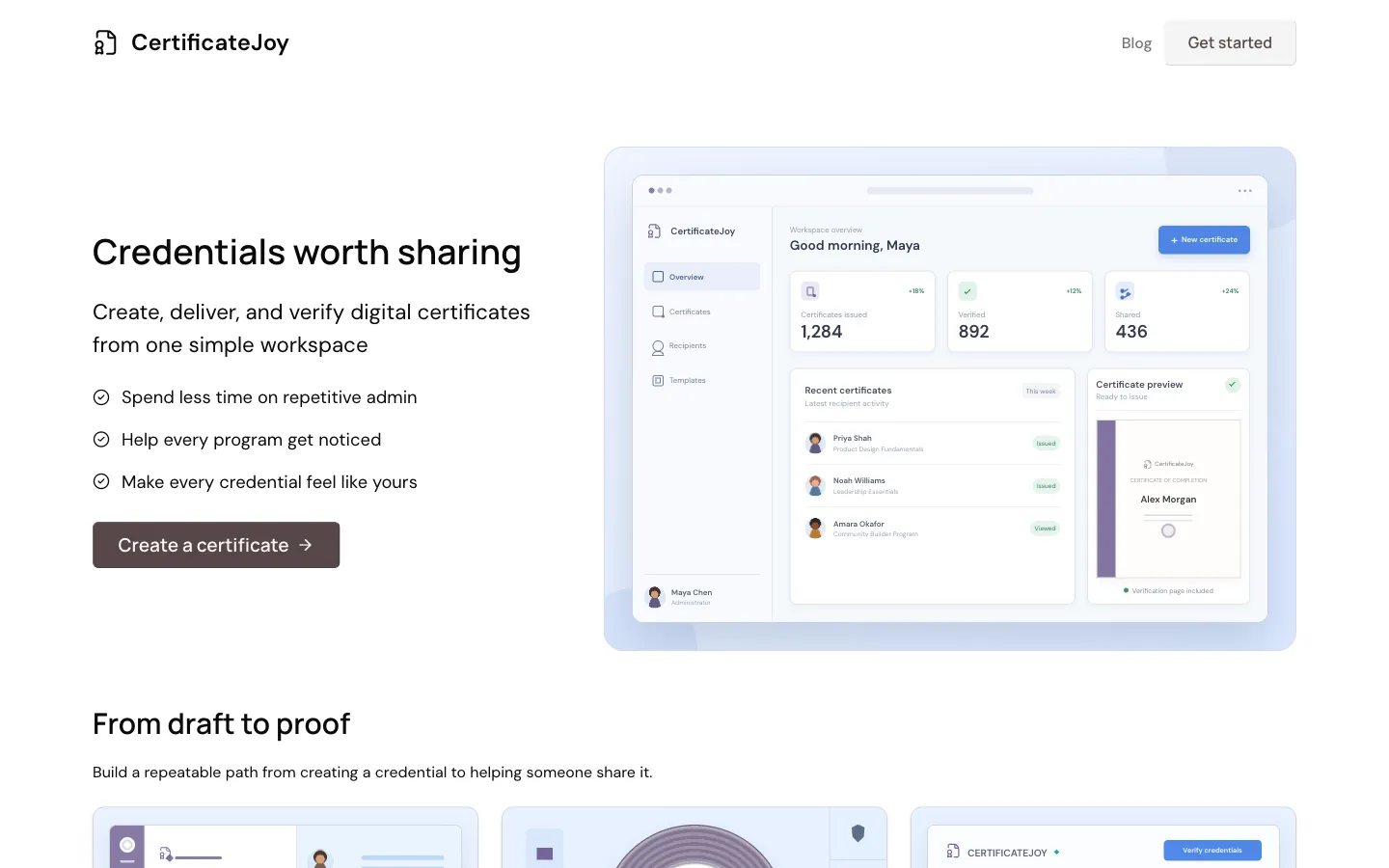
CertificateJoy product-direction preview, captured September 17, 2026. It is illustrative and is not presented as a screenshot of a launched account product.
CertificateJoy is the product behind this guide. It is being built for course creators, education teams, communities, associations, and events that want a focused path from designing a certificate to issuing it, verifying it, and helping recipients share it.
The intended workflow includes reusable branded designs, single or cohort issuance, recipient pages, PDF output, QR-backed public verification, sharing, and engagement insights. That is the right product shape for teams that find enterprise credential suites too expensive or operationally heavy.
The decisive limitation is availability: CertificateJoy’s current legal pages describe an informational early-access site, and the dashboard shown publicly is an illustrative product-direction preview. There is no public plan, price, quota, API, standards certification, security package, or live account workflow we can independently test.
Pricing: not publicly specified. The current CTA is to request early access.
Pros
- Clear, narrow positioning around the full certificate workflow rather than a sprawling enterprise suite.
- Designed for the buyer segment this guide serves: courses, education, training, communities, associations, and events.
- Product direction includes the high-value basics—cohort issuing, verification, sharing, PDF output, and engagement insight—in one workspace.
- Direct access to an early-stage team can make early customer feedback disproportionately influential.
Cons
- Not publicly available as a verifiable self-service product at the time of review.
- No published pricing, limits, integrations, standards support, security claims, or support commitments.
- No independent review corpus or hands-on evidence.
- Public screens must not be treated as proof that a feature is shipped.
Our verdict: CertificateJoy is our preferred direction for teams that value simplicity and are comfortable joining early access. It cannot responsibly win the live-product or value ranking until its product, limits, and pricing are public. If you need to issue production credentials today, use the live shortlist below while keeping CertificateJoy on your watchlist.
2. Certopus: best balanced self-service platform
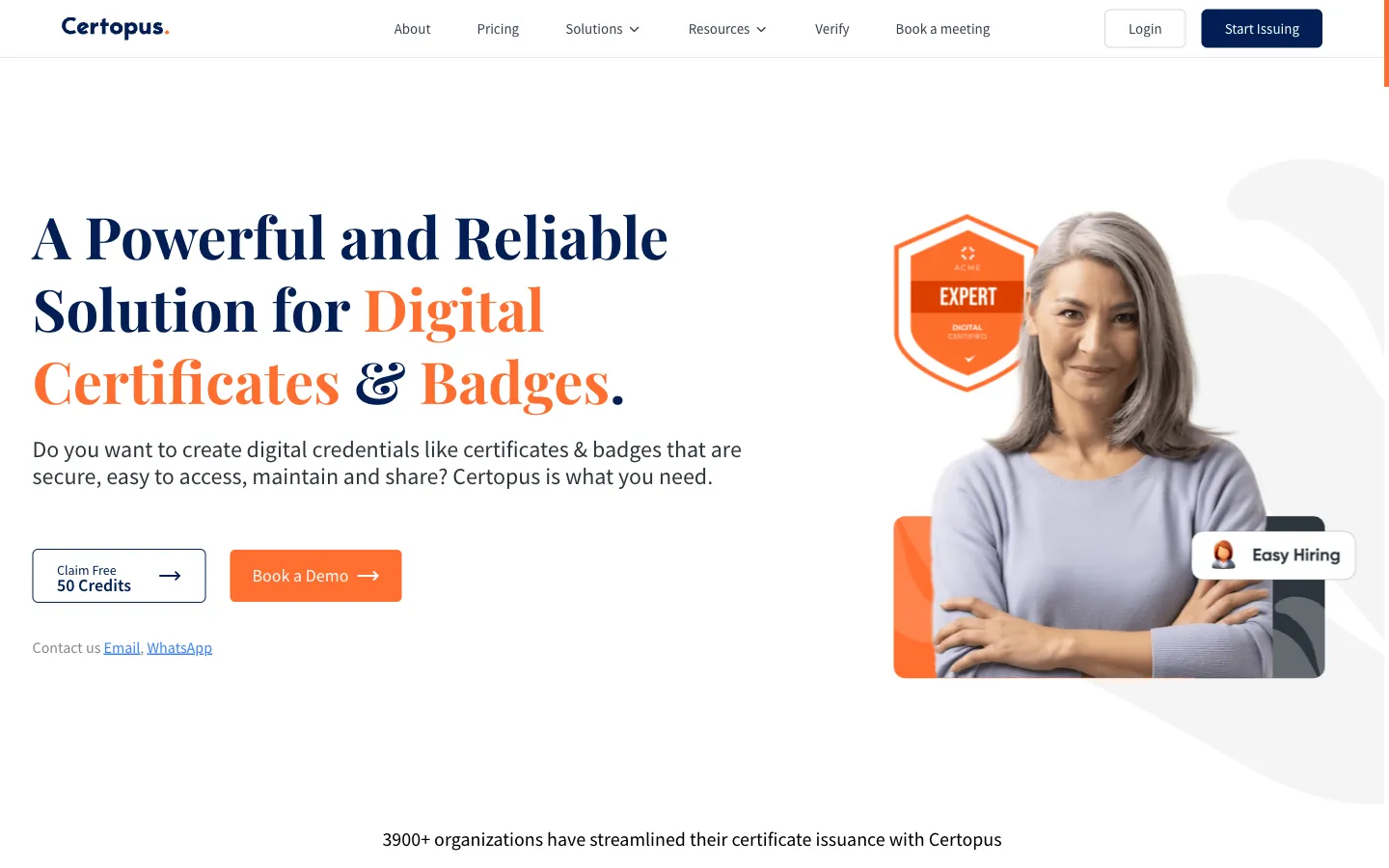
Certopus public product page, captured September 17, 2026. Public marketing imagery is not a hands-on product test.
Certopus covers certificates, badges, verification, recipient sharing, automation, and analytics without forcing every buyer into a sales-led enterprise contract. Its official product site targets courses, events, communities, higher education, certification, and workforce programs—close to CertificateJoy’s intended audience.
The design layer supports certificate and badge builders, templates, custom uploads, dynamic QR codes, variables, and AI-assisted design. Issuers can upload spreadsheets, integrate through a documented API, and connect services such as Zapier, Moodle, Thinkific, Teachable, Zoom, Webex, and Power Automate through documented integrations.
Certopus also advertises credential expiry, revocation/deletion, PDF output, LinkedIn/social sharing, analytics, custom domains, branded wallets, verification pages, and role-based access. Some advanced controls are Professional-only or Standard add-ons. Enterprise introduces SAML/SSO, audit logs, custom onboarding, SLA options, and even an advertised on-premises option.
Pricing: the live Certopus pricing page displayed Standard at $24.16 per month effective for 1,000 annual credentials and Professional at $82.50, billed annually. Monthly and higher-volume bands are also available. We found a material conflict: the annual selector showed 250 free credentials, while homepage/help copy referenced 50. Confirm the free allowance at signup.
What reviewers say: the G2 corpus was 4.9/5 across 113 reviews and Capterra showed 4.9/5 across 16 when checked. Recurring praise centered on ease, templates, bulk automation, value, and support. Negative evidence was thinner, with requests for more customization and onboarding help. Review counts are not large enough to rule out edge cases.
Pros
- Broad, balanced lifecycle functionality at self-service price points.
- Certificate and badge builders plus extensive integration coverage.
- Flexible monthly and annual volume bands.
- Strong public-review sentiment for ease and value.
- Advanced branding, API, roles, and enterprise controls are available as programs grow.
Cons
- Conflicting official free limits make the entry allowance uncertain.
- API and advanced branding are gated on Standard or included at higher tiers.
- Open Badges 3.0 and verifiable-credential support are vendor-asserted; we did not locate an active Certopus entry in the 1EdTech certification registry.
- “ISO 27001 certified servers” should not be read as proof that Certopus itself holds an ISO 27001 organizational certificate.
Our verdict: Certopus is the strongest balanced live self-service option in this comparison. It combines enough design, issuing, integration, verification, and branding depth for most small and midsize programs without starting at enterprise procurement. Verify the exact free allowance and add-on costs before committing.
3. Certifier: best for design and credential marketing
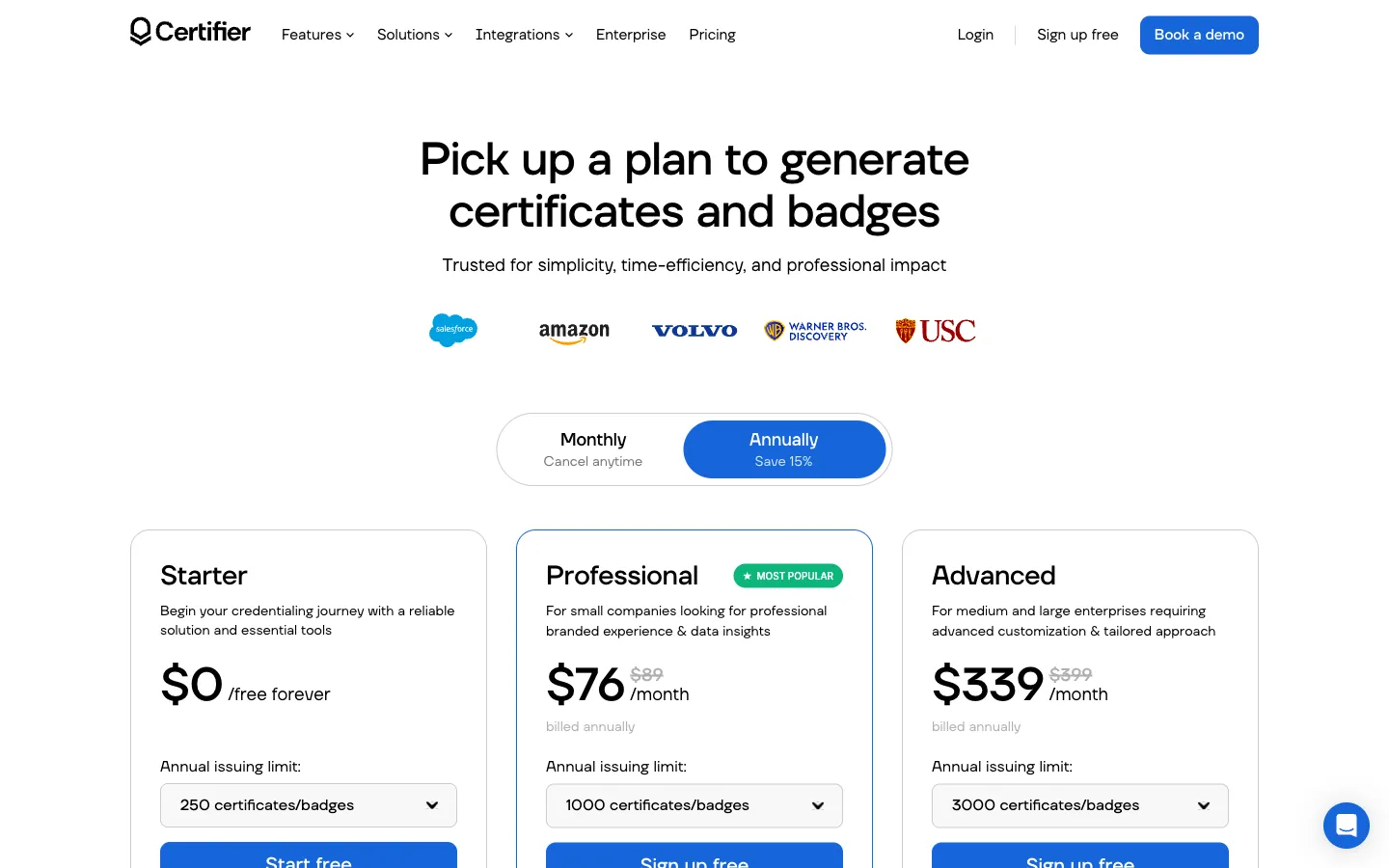
Certifier public pricing page, captured September 17, 2026. Plan prices vary with annual issuing volume.
Certifier combines a polished design layer with delivery, recipient pages, verification, and engagement analytics. Its feature catalog describes certificate, badge, and document builders, dynamic attributes, custom uploads, bulk recipient import, PDF/PNG/JSON generation, branded email, expiration, sharing, verification, recipient portals, analytics, an API, and Zapier/Make/Pipedream connections.
Design is the clearest strength. The pricing page advertises thousands of design templates, while the product feature page highlights a large template library and visual editors. Even the free tier includes templates, certificate and badge editing, bulk issuance, PDF export, social/LinkedIn sharing, verifiable credentials, API access, and integrations.
Professional adds the capabilities many serious programs need: branded emails, scheduled issuing, expiration, advanced analytics, QR verification, sender customization, and stronger branding options. Advanced adds more users, custom fonts, premium branding, custom domain, portal features, verified issuer status, dedicated support, and custom legal/security support.
Pricing: Certifier pricing displayed 250 credentials per year free. At 1,000 annual credentials, Starter was $49 per month effective and Professional $76, both billed annually. At the 250-volume band, Professional started at $42 per month effective. Prices scale with volume; custom domain, recipient-view branding, verified status, and premium support can also appear as add-ons on lower plans.
What reviewers say: G2’s seller index displayed 390 reviews, while current indexed product copy still referenced 4.7/5 across 350+, showing a normal indexing lag. Themes consistently favor ease of setup, certificate generation, templates, and time savings. Complaints include feature or customization limits and at least one report of restrictive bulk export behavior. Treat individual complaints as prompts to test, not universal defects.
Pros
- Strong certificate and badge design experience.
- Useful free tier with real issuing and verification, not only design exports.
- Deep delivery, sharing, recipient, and marketing analytics functionality.
- Broad automation options through API and integration platforms.
- Public volume pricing gives smaller teams a workable buying path.
Cons
- The pricing matrix is dense, and important branding/verification controls may require a higher tier or add-on.
- Costs rise quickly at higher issuing limits.
- The strongest white-label, custom-domain, user-role, and security controls sit in Advanced or Enterprise.
- Product-page template counts differed across pages, so buyers should evaluate the actual library rather than rely on one marketing number.
Our verdict: choose Certifier when visual quality, branded delivery, recipient engagement, and credential marketing matter almost as much as issuance itself. It is less compelling if you only need cheap bulk PDFs, but it is one of the most complete self-service experiences in the group.
4. Sertifier: best recipient-based pricing for growing programs
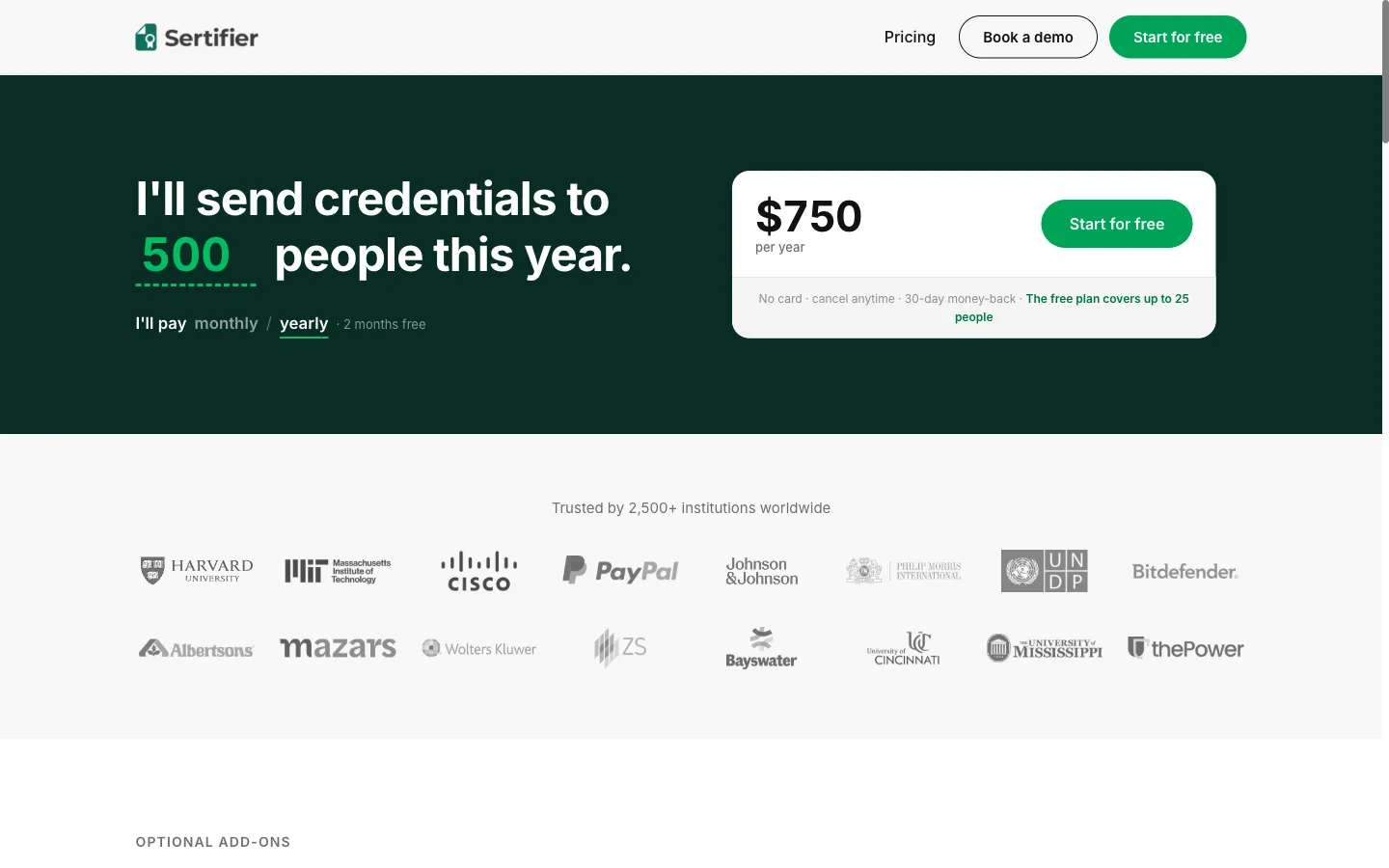
Sertifier public annual pricing calculator, captured September 17, 2026. The selected recipient volume changes the displayed total.
Sertifier prices around unique people, not the number of certificates or badges sent to each person. That model is useful for learning programs that award several credentials to the same learner during a year.
Its current pricing page says core platform functions are included, with six optional add-ons for branding, advanced analytics, promotion, extra seats, priority support, and departments. Enterprise adds SSO/SAML, sub-organizations, procurement support, and dedicated onboarding. Issued credentials remain hosted after cancellation according to the pricing FAQ.
The public calculator showed a free plan through 25 people, then $375 per year from 50 through 250 recipients, $750 for 500, $1,300 for 1,000, $2,950 for 2,500, $4,700 for 5,000, and $8,200 for 10,000. Annual billing includes a stated two-month discount; monthly billing is available. Education/nonprofits are advertised at 20% off, with separate startup and switcher offers.
What reviewers say: G2’s feature pages showed data based on more than 100 reviews, while Capterra reported 4.8/5 across 50 reviews when checked. The recurring positives are a user-friendly interface, certificate customization, verification, and responsive support. The sample is meaningful but still much smaller than CertifyMe, Credly, or SimpleCert on G2.
Pros
- Recipient-based pricing is easy to model when one learner earns multiple credentials.
- Free entry through 25 people.
- Certificate and badge lifecycle, verification, analytics, and enterprise controls in one platform.
- Published volume calculator up to 10,000 recipients.
- Discounts for education, nonprofits, startups, and migrations.
Cons
- Six separately priced add-ons make the displayed base price an incomplete total for some teams.
- Add-on prices are mostly visible only inside the app.
- Public documentation contained tension between a 30-day guarantee and no mid-term cancellation refunds; obtain the applicable terms in writing.
- Public standards-version claims should be checked against the exact credential format your program requires.
Our verdict: Sertifier is a practical shortlist choice for training providers that issue more than one credential per learner and want pricing based on people rather than documents. Model the required add-ons before comparing its total against Certifier or Certopus.
5. Accredible: best for pathways and program growth
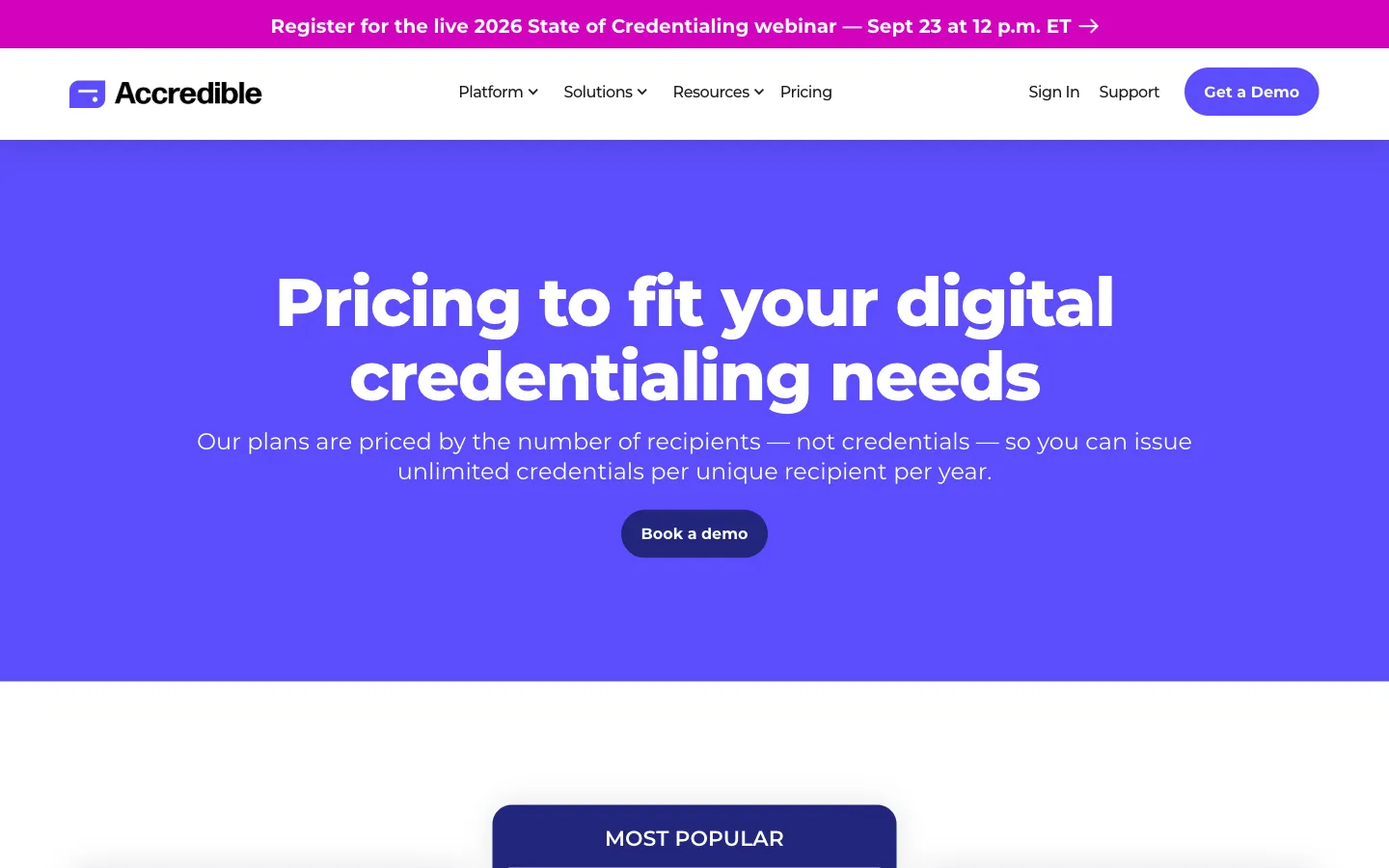
Accredible public pricing page, captured September 17, 2026. Launch is public; Connect and Growth require a quote.
Accredible extends beyond certificate creation into pathways, campaigns, wallet cards, learner directories, skills frameworks, endorsements, recommendations, and program-growth analytics. Its feature overview covers certificate and badge designers, dynamic metadata, bulk upload, API/integrations, expiration, updates, verification, one-click sharing, email campaigns, pathways, analytics, and enterprise security controls.
The platform charges by unique recipient per year. You can issue unlimited credentials to the same recipient during that billing year. Existing credentials do not consume future allowance simply by remaining live.
Pricing: Accredible Launch starts at $45 per month, billed monthly on a 12-month commitment, for 50 unique recipients. It includes certificate/badge design, blockchain credentials, and support. Connect and Growth use custom recipient volumes and pricing. Higher tiers add advanced credential capabilities, stronger branding, insights, onboarding, customer success, pathways, wallet cards, marketing analytics, priority support, enterprise security assistance, and custom agreements.
What reviewers say: G2’s seller page indexed 133 reviews. Review themes favor ease of issuing, automation, professional recipient presentation, analytics, and helpful support. The clearest repeated criticism is price, especially when advanced functionality or integrations push a program beyond the entry tier.
Pros
- Mature end-to-end certificate and badge feature set.
- Strong pathways, campaign, directory, wallet, and growth capabilities.
- Unlimited credentials per paid annual recipient.
- Public entry plan for small pilots.
- SOC 2 Type II and GDPR claims are stated on the official security materials.
Cons
- Launch covers only 50 annual recipients for $540 per committed year.
- Higher-volume pricing is not public.
- White-labeling, advanced analytics, support, and growth functions are higher-tier capabilities.
- Can be more platform than a small course or event team needs.
Our verdict: Accredible is a strong choice when credentials are part of a broader learner-engagement and program-growth strategy. Small teams should compare the annual recipient cost and required add-ons carefully; CertificateJoy’s simpler product direction is aimed at buyers who do not need this much ecosystem depth.
6. Credly by Pearson: best enterprise credential network
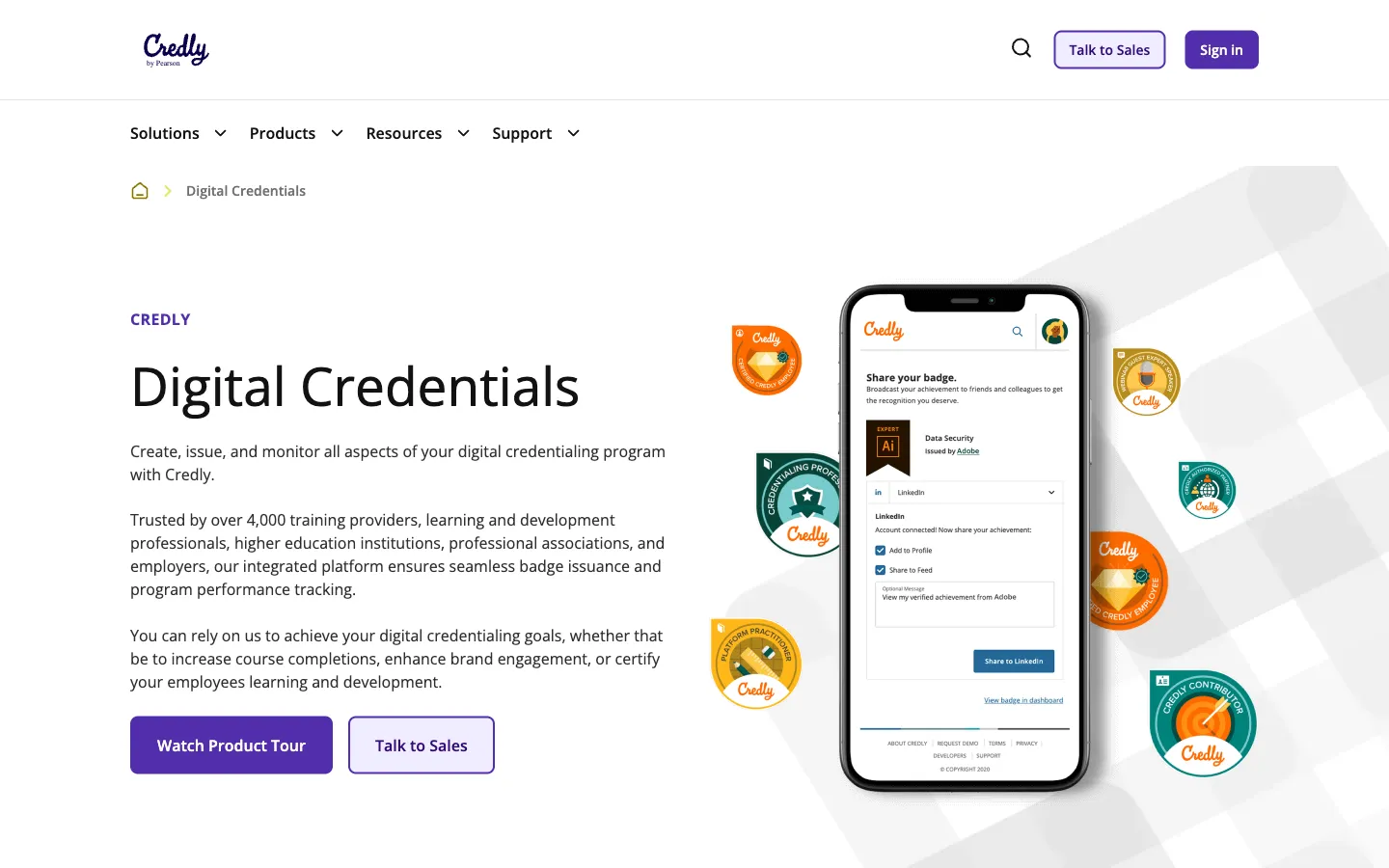
Credly Acclaim public product page, captured September 17, 2026. Issuer pricing requires a sales conversation.
Credly is the enterprise benchmark in this comparison. Credly Acclaim combines badge templates and metadata, printable certificates, bulk issuing, governance, analytics, pathways, API/webhooks, mobile apps, a skills wallet, and a large recipient network.
Its strongest objective differentiator is standards evidence. The 1EdTech registry listed active Open Badges 2.0 and 3.0 certifications when checked. Credly also documents spreadsheet uploads of up to 5,000 earners, expiry, replacement, revocation, API access, webhooks, LMS/LXP integrations, SAML, MFA, and a published support/SLA framework.
Credly is not a Canva-style certificate designer. Its badge workflow emphasizes structured metadata and uploaded artwork. A separate Certificate Maker supports stock or custom backgrounds, logos, dynamic fields, and verification URLs, but design flexibility is not the main reason to buy it.
Pricing: the Credly pricing page is quote-only. Public subscription documentation indicates contracts may meter active badges or unique earners. No public self-service issuer plan, trial, allowance, monthly price, or overage schedule was verifiable.
What reviewers say: G2 displayed 4.7/5 across more than 500 reviews, the strongest enterprise-oriented sample in this group. Users commonly praise the recognized network, consolidated credential portfolio, verifiability, and sharing. Buyer criticisms focus on opaque or high issuer pricing, administrative friction, and support experiences. Reddit discussion was sparse and mixed, with smaller buyers often describing Credly as credible but expensive or rigid.
Pros
- Large, recognized enterprise credential network.
- Independently certified Open Badges 2.0 and 3.0 support.
- Strong governance, analytics, pathways, API, webhooks, and integrations.
- Mobile apps and recipient skills wallet.
- Better public security and SLA documentation than many smaller vendors.
Cons
- No public issuer price or low-volume self-service path.
- A recipient account/network can add friction for learners who only want a certificate file.
- Branding remains recognizably Credly rather than fully disappearing behind the issuer.
- Visual certificate creation is secondary to structured credential operations.
Our verdict: Credly is best suited to universities, certification bodies, major training providers, and employers that value network reach, standards, governance, and procurement support. It is rarely the rational starting point for a small cohort, workshop, or community program.
7. Virtualbadge.io: best for EU-oriented training and events
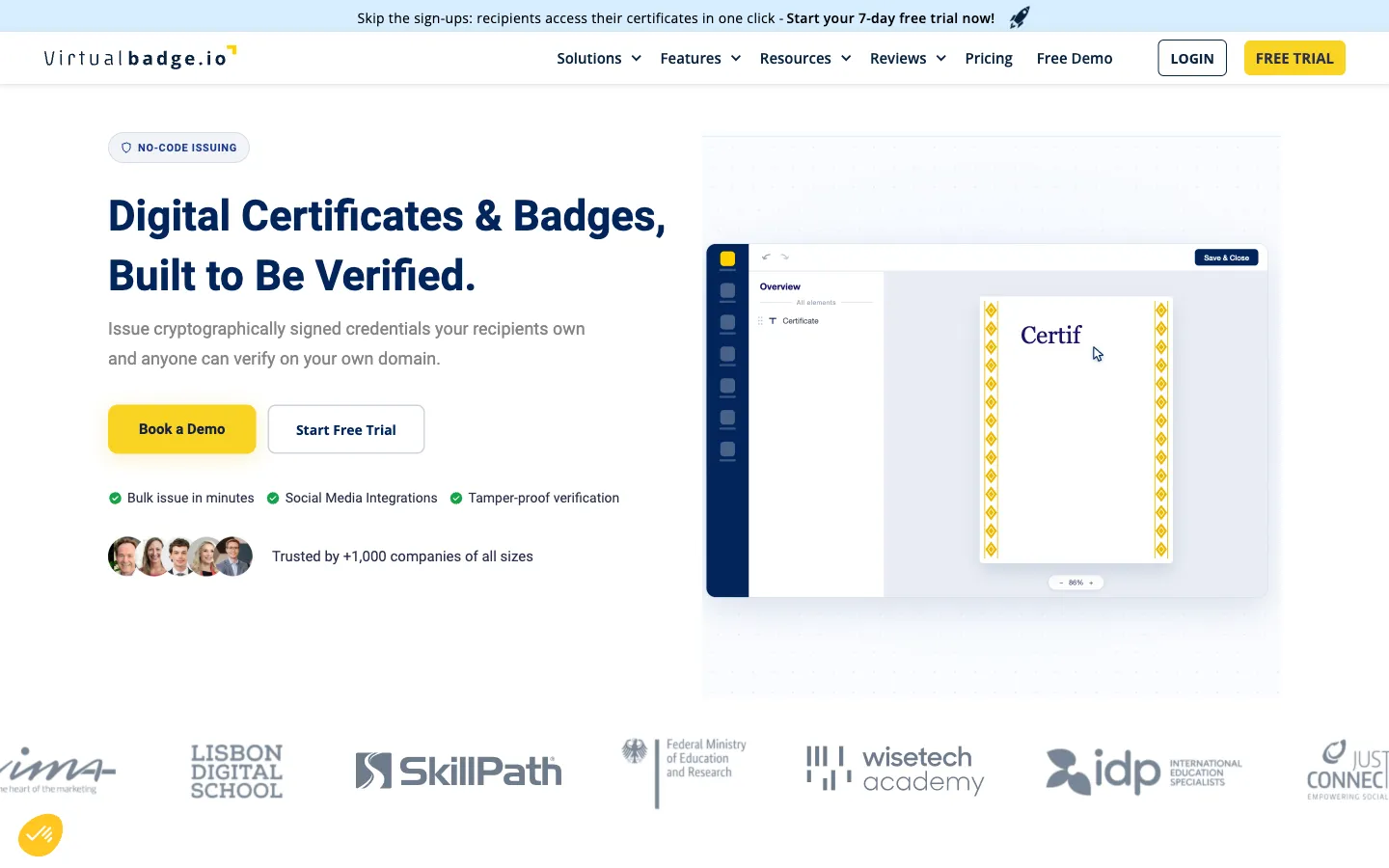
Virtualbadge.io public product page, captured September 17, 2026. Standards and roadmap claims should be verified for each procurement.
Virtualbadge.io combines a detailed certificate designer with workflows for training and events. The builder supports backgrounds, logos, SVGs, dynamic and static fields, signatures, photos, shapes, QR codes, grids, and multi-page A4 or US Letter designs. Its trainer module, attendance workflows, verification pages, and Apple/Google Wallet delivery make it particularly relevant to in-person or hybrid programs.
Bulk uploads support CSV/Excel, with documented batches up to 1,000 recipients. Growth and higher tiers add API access; the platform also documents webhooks, Zapier, Zoom, and LMS-oriented automations. Recipients can share through LinkedIn and other channels, download PDF/PNG, and—on eligible plans—add wallet cards.
Pricing: the Virtualbadge.io pricing page showed Lite from $35 monthly or $26 per month effective on an annual plan. At 1,000 annual credentials, Growth was $79 per month effective and Plus $125, billed annually. Credits expire at the end of the billing period and do not roll over. A seven-day trial includes 25 credits and converts to paid billing unless cancelled.
We found a pricing presentation conflict: the lowest selector values showed 25 monthly or 300 annual credentials while plan cards referenced 50 and 500. Confirm the purchased allowance at checkout.
What reviewers say: G2 showed 4.8/5 across 24 reviews; Capterra and Software Advice each showed 5.0/5 across the same apparent 15-review Gartner corpus, so those counts must not be added together. Users praise the clean workflow, speed, and responsive support. Criticism is sparse, with some onboarding friction and demand for deeper native integrations.
Pros
- Rich certificate designer and event/trainer workflows.
- Apple and Google Wallet support.
- Verification, expiry, revocation, sharing, and email analytics.
- Public monthly and annual volume selectors.
- API, webhooks, Zapier, Zoom, and LMS connections.
Cons
- Credits expire rather than rolling over.
- Trial auto-renewal and a generally no-refund policy require attention.
- White-label, sending-domain, recipient-account, and enterprise controls are tiered or add-ons.
- Selector/card allowance conflict should be resolved before purchase.
- Open Badges and EU wallet claims were vendor-asserted; we did not locate an active 1EdTech certification entry for Virtualbadge.io.
Our verdict: Virtualbadge.io is one of the most distinctive options for training companies and event programs that value attendance workflows and wallet delivery. Buyers focused only on occasional PDF certificates will find SimpleCert cheaper and simpler.
8. SimpleCert: best budget certificate-first option
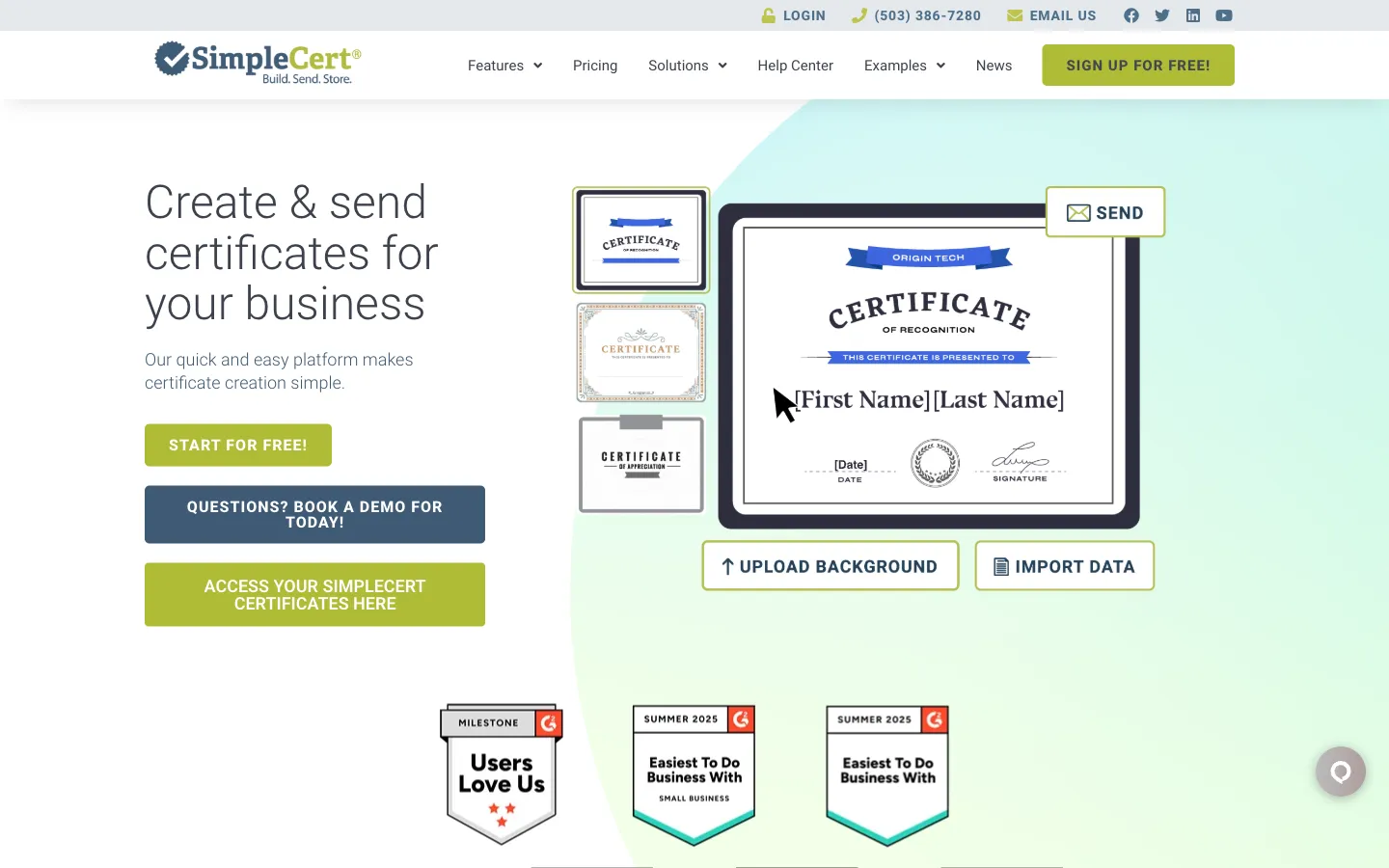
SimpleCert public product page, captured September 17, 2026. It is certificate-first rather than a full Open Badges ecosystem.
SimpleCert focuses on a familiar operational problem: design a certificate, upload recipient data, generate personalized PDFs, email them, and keep recipient access organized. It offers templates, drag-and-drop editing, spreadsheet import, social/LinkedIn sharing, a recipient portal, custom SMTP, Zapier, and an API.
Its pricing flexibility is the main advantage. Teams can subscribe monthly or buy non-expiring pay-as-you-go credits. One credit creates and stores one personalized certificate; downloading, printing, sending, or resending does not consume another credit.
Pricing: SimpleCert pricing displayed 50 introductory free credits. Basic costs $19 per month for 150 credits, Advanced $29 for 250, Professional $49 for 500, and Enterprise $79 for 1,000. Pay-as-you-go bundles were $29/150, $39/250, $69/500, and $119/1,000. One Cert Set/template is included; each additional Cert Set costs $29 once.
Advanced adds custom fonts and QR authenticity. Professional adds two-sided certificates and up to five logins. Enterprise adds SSO and a customizable recipient portal. The SimpleCert API is advertised for all users.
What reviewers say: G2 showed roughly 240 reviews and a 4.6/5 rating. Users repeatedly praise speed, ease, professional output, and the reduction in manual certificate/email work. The most concrete repeated complaint in indexed reviews concerns delayed or occasionally unsent automated email notifications—something a buyer should test with its own sending setup.
Pros
- Lowest clear price for straightforward certificate operations.
- Non-expiring pay-as-you-go credits suit irregular events and cohorts.
- API and custom SMTP available without an enterprise-only starting point.
- Simple bulk PDF and recipient portal workflow.
- Transparent subscription and bundle prices.
Cons
- No verified Open Badges or verifiable-credential workflow.
- No wallet delivery or broad credential network.
- We did not find a public, explicit revocation workflow comparable to badge-first platforms.
- Only one Cert Set is included; additional templates cost $29 each.
- Public legal and pricing copy contained stale or conflicting free-notification details.
Our verdict: SimpleCert is the value benchmark for teams that need reliable personalized certificate files and delivery—not a portable digital badge ecosystem. It is the product CertificateJoy must beat on simplicity and price once CertificateJoy publishes its plans.
9. CertifyMe: best standards-and-API challenger
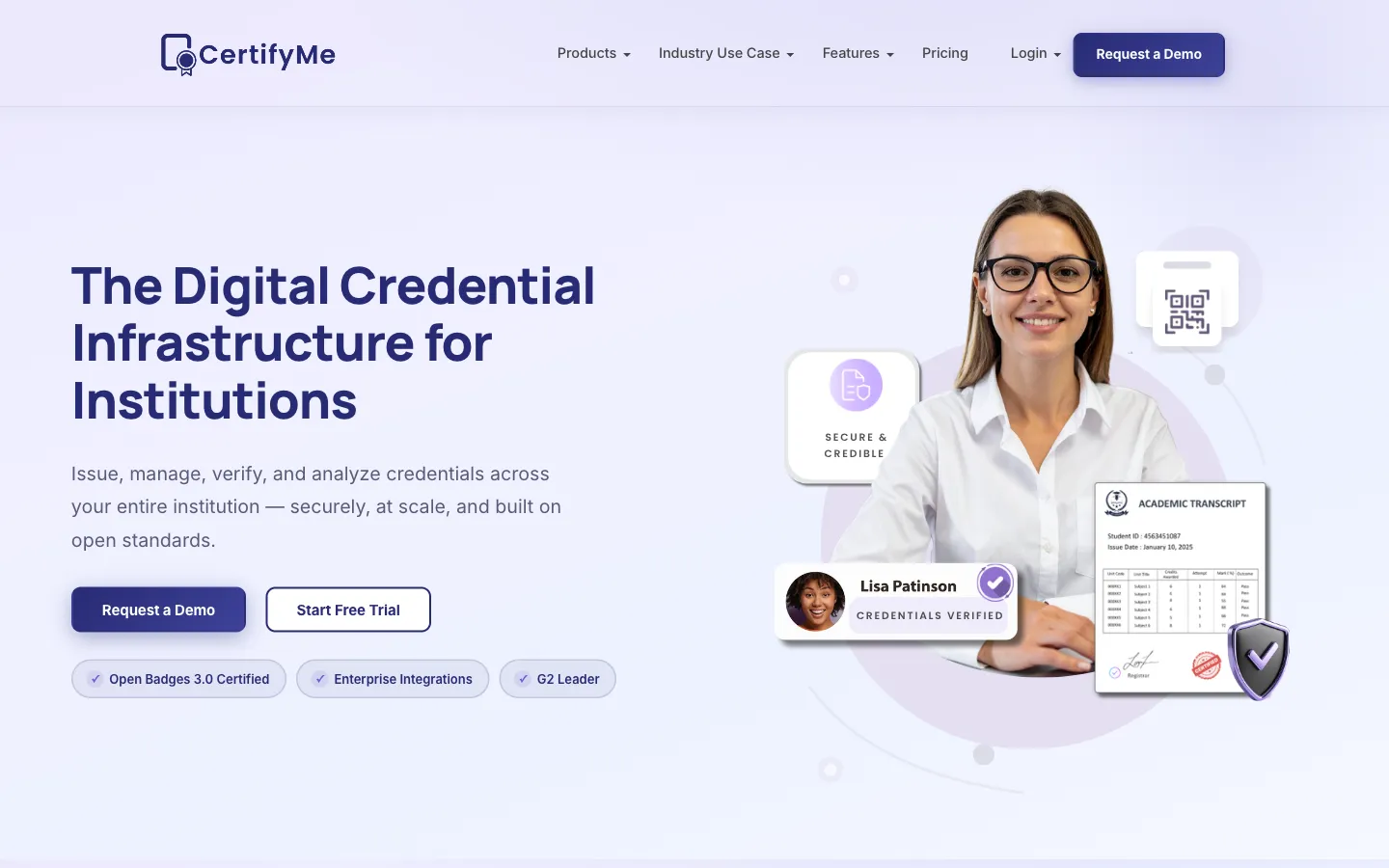
CertifyMe public product page, captured September 17, 2026. Paid-plan pricing remains quote-only.
CertifyMe combines certificate and badge design with true credential issuance, revocation, verification, analytics, integrations, API access, and detailed administrative roles. It is a direct platform competitor rather than a design utility.
Its strongest evidence is standards certification. The 1EdTech CertifyMe record listed active Open Badges 3.0 issuer certification dated May 11, 2026 and CLR 2.0 issuer/displayer certification dated August 24, 2026, alongside earlier Open Badges records.
The public plan matrix describes template design, custom attributes, spreadsheet issuance, verification, LinkedIn sharing, analytics, API operations, LMS/automation integrations, and granular roles such as Manager, Credential Admin, Awarder, Analyst, Designer, and Developer. Lower plans have small template and admin allowances; enterprise adds stronger SSO/MFA, audit, SLA, and DPA controls.
Pricing: CertifyMe pricing is quote-only for StartUp, Signature, and Enterprise. The current site advertises five free credentials without a card and annual subscriptions, with monthly terms possible by request. Older third-party prices should not be used for budgeting.
What reviewers say: G2 showed 4.8/5 across 570 reviews, while Capterra showed 5.0/5 across 23. G2 themes strongly favor ease, certificate management, time savings, and bulk generation. Recurring negatives include limited templates or customization and occasional preview/dashboard slowness.
Pros
- Independently certified Open Badges 3.0 and CLR 2.0 support.
- Broad certificate and badge lifecycle with API and integrations.
- Detailed role-based administration.
- Large, positive G2 review corpus.
- Strong verification and analytics story.
Cons
- Paid pricing and recipient allowances are not public.
- Lower tiers advertise only three to five templates and one to two admins.
- Review themes identify design flexibility and occasional performance as friction points.
- Official marketing pages contained inconsistent free limits and sharing-network counts; use current pricing and written quotes.
Our verdict: CertifyMe deserves a serious shortlist for institutions that need standards, verification, API issuance, and admin controls. Its lack of public pricing prevents a clean value verdict.
10. Open Badge Factory: best open badge ecosystem
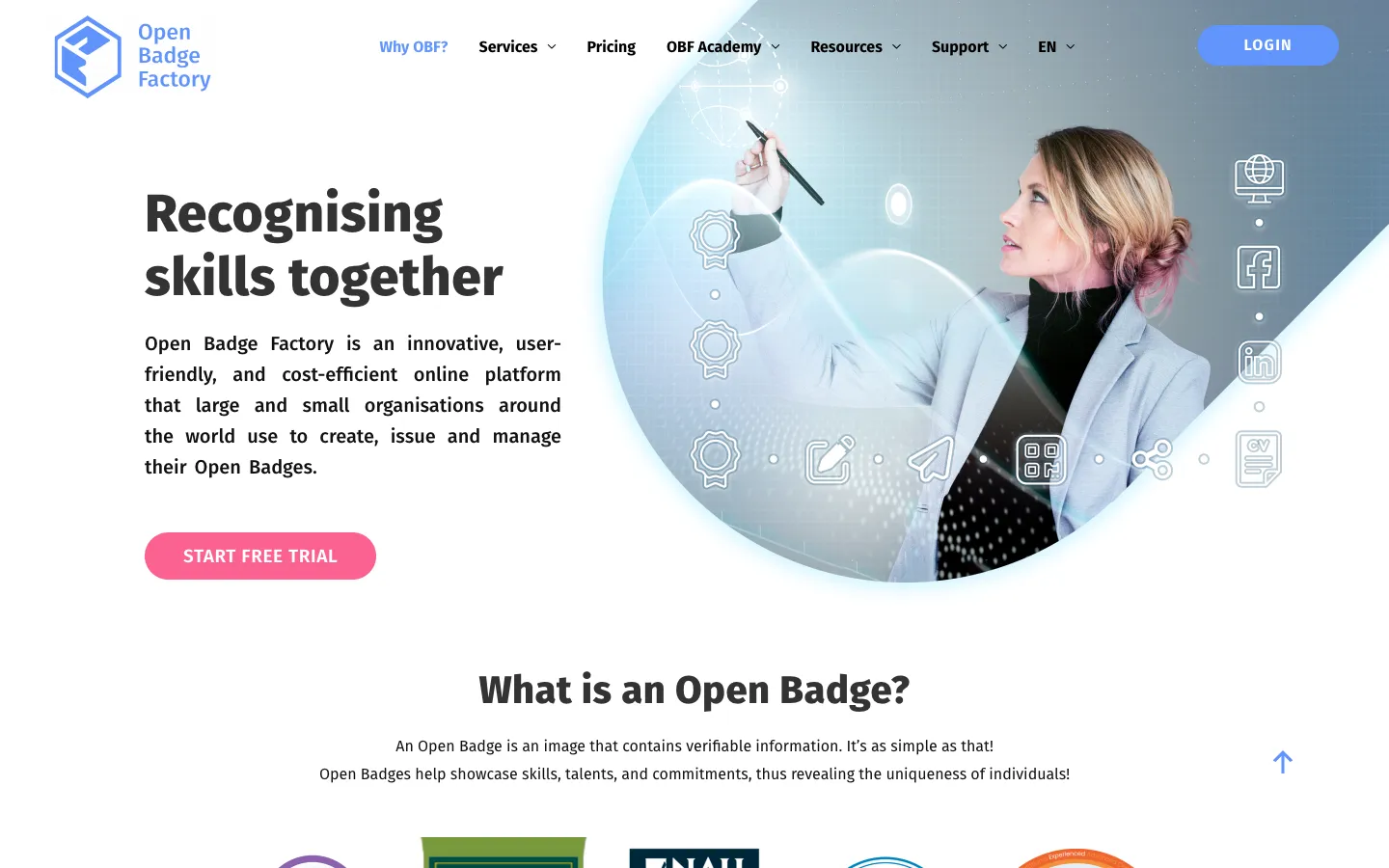
Open Badge Factory public product page, captured September 17, 2026. It is badge-first; verifiable PDF credentials are a Pro feature.
Open Badge Factory is not trying to be a lightweight PDF mail merge. It is a standards-led system for building badge ecosystems: create and issue badges, collect applications, manage endorsements, integrate learning systems, analyze activity, and give recipients a wallet through Open Badge Passport.
The 1EdTech product record listed active Open Badges 3.0 issuer certification. CSV issuance supports large batches, while published annual badge allowances are 5,000 on Basic, 15,000 on Premium, and 50,000 on Pro. Daily email-delivery limits also apply.
Pro adds branded verifiable PDF credentials with verification links/QR codes, API/OAuth, LTI, custom SMTP, advanced reports, and granular permissions. Premium supports stronger branding and Moodle integration but not all Pro automation.
Pricing: Open Badge Factory pricing displayed Basic at €220/year by card, Premium at €700 by card or €740 invoiced, and Pro at €1,280 by card or €1,320 invoiced, excluding VAT. A 60-day Pro trial requires no payment details; it is not a perpetual free issuing plan.
What reviewers say: independent review evidence is too thin for a meaningful consensus. G2 showed 4.5/5 from one review, and we found no verified Capterra corpus for the product. That absence is not evidence of poor quality; it simply means buyers should rely more heavily on a pilot and references.
Pros
- Independently certified Open Badges 3.0 issuance.
- Mature badge creation, application, endorsement, wallet, and reporting ecosystem.
- Transparent annual Euro pricing and substantial badge allowances.
- Unlimited team accounts, with stronger roles on higher levels.
- Pro supports API/LTI, verifiable PDFs, custom SMTP, and advanced reports.
Cons
- Badge-first editor is not a Canva-like certificate canvas.
- PDF credentials and API automation require Pro.
- Daily delivery limits matter for large one-day events.
- Advanced branding, permissions, and integrations are tiered.
- Almost no independent review corpus.
Our verdict: Open Badge Factory is the best fit here when Open Badges are the program—not merely an extra export format. It is less suitable for a team that just wants a quick, polished completion certificate.
Design-only alternatives: Canva and Adobe Express
Canva and Adobe Express are excellent design tools. They are not native credential lifecycle systems based on the official certificate, pricing, help, and developer material we reviewed.
Canva certificate maker
Canva’s certificate maker offers drag-and-drop editing, a large template library, stock assets, uploaded branding, collaboration, PDF export, and printing. Paid Bulk Create can generate designs from spreadsheet data, with a documented selection limit of 300 rows and 150 fields.
Current US pricing showed Free at $0, Pro at $144/year for one person, Business at $250/year per person, and Enterprise by quote. Prices and plan names vary by market.
Use Canva when you need a beautiful certificate file and will handle issuing elsewhere. We found no native credential record, revocation status, standards-based validation, issuer verification, recipient wallet, or public certificate verifier.
Adobe Express certificate maker
Adobe Express offers certificate templates, Adobe Stock assets, fonts, uploaded logos/signatures, collaboration, export, printing, and online sharing. Its Bulk Create tool can generate up to 99 CSV-driven design variations.
Current US pricing showed Free at $0, Premium at $9.99/month, and a Teams first-year promotion at $4.99 per license/month before a $7.99 regular price, with an annual commitment and two-seat minimum.
Like Canva, Adobe Express creates designs rather than managed credentials. A generic QR code can point to a page, but it does not by itself establish issuer authenticity, current validity, or revocation status.
How to choose the right certificate platform
1. Decide whether you need a file or a credential
If the certificate only needs to be printed or emailed once, Canva, Adobe Express, or SimpleCert may be enough. If an employer, member organization, or regulator may verify it later, choose a platform with a persistent credential URL, status, issuer identity, and revocation/expiry controls.
2. Model the right pricing unit
Ask whether the vendor bills by:
- Credential issued
- Unique recipient or earner
- Monthly credit
- Active badge
- Plan allowance plus add-ons
- Custom enterprise contract
A unique-recipient model can be economical when one learner receives multiple credentials. A non-expiring credit bundle can be better for irregular event schedules.
3. Separate “supports badges” from certified interoperability
A vendor can generate a badge-shaped image without supporting portable Open Badges. If standards matter, request the exact standard/version and verify the product in the 1EdTech certification registry.
4. Test the recipient experience
Before buying, issue a test credential to personal and work email addresses. Check spam placement, mobile rendering, account requirements, name-correction flow, PDF quality, LinkedIn behavior, verification speed, and what happens after expiry or cancellation.
5. Price the brand experience you actually want
Custom sender domains, portal domains, white-label verification, custom fonts, branded emails, and removal of vendor marks are often higher-tier features or add-ons. A low base price can become expensive once the recipient experience must look fully yours.
6. Export before you commit
Verify that you can export recipient data, credential URLs, status history, templates, and analytics. Ask what remains live after cancellation and whether recipients keep access without ongoing hosting fees.
Final recommendation
If you want the best balanced live self-service platform, start with Certopus and compare its final checkout limits against Certifier. Choose Certifier when design, branded delivery, and engagement analytics are the priority. Choose SimpleCert when the job is mostly personalized PDF certificates at the lowest clear cost.
For a standards-led badge program, choose Open Badge Factory or evaluate CertifyMe. For enterprise programs, compare Credly and Accredible based on network/governance versus pathways/program-growth needs. For event and in-person training workflows, Virtualbadge.io deserves a focused trial. For multiple credentials per learner, model Sertifier’s recipient pricing.
And if your real requirement is simpler—design once, issue a cohort, give each recipient a clean verification page, and make sharing painless—request early access to CertificateJoy. That focused workflow is exactly what we are building. We will update this comparison with public CertificateJoy pricing and hands-on evidence when the product is ready, rather than claiming a win before the facts exist.
FAQ
What is the best certificate maker in 2026? There is no single best option for every issuer. Certopus is our strongest balanced self-service pick, Certifier is particularly strong for design and credential marketing, SimpleCert is the clearest budget certificate-first choice, Open Badge Factory is best for open badge ecosystems, and Credly is suited to large enterprise credential programs. CertificateJoy is a promising simplicity-first option, but it remains in early access.
What is the best free certificate maker? For a true credential workflow, Certifier publicly offers 250 issued credentials per year on its free tier. Certopus also advertises a free allowance, although its pages conflicted between 50 and 250 credentials when checked. Canva and Adobe Express can design certificate files for free, but they do not provide native credential verification, revocation, or recipient records.
Can Canva verify certificates? Not as a native credential platform. Canva can design, personalize, export, and share certificate files, and its paid Bulk Create tool can generate designs from spreadsheet data. We found no native Canva credential record, issuer verification, revocation status, Open Badges support, or public certificate verifier. You would need another system for those functions.
What is the difference between Accredible and Credly? Accredible offers a public entry plan and focuses on designing, issuing, marketing, and analyzing certificates and badges, with higher tiers for pathways and white-labeling. Credly is a quote-based enterprise credential network with strong governance, integrations, analytics, wallet features, and independently certified Open Badges support. Credly generally requires a sales conversation, while Accredible has a smaller public starting plan.
What should I look for in certificate software? Check the entire workflow: design controls, recipient import, bulk delivery, correction and revocation, public verification, expiry, PDF and badge formats, LinkedIn sharing, analytics, integrations, data export, branding, support, and the exact unit used for pricing. A cheap design tool can become expensive operationally if your team must issue and verify every certificate manually.
Related reading
- Certificate of completion vs. achievement vs. participation
- How to verify a digital certificate is real
- How to add a certificate to LinkedIn
Sources and methodology
Primary sources included the current official product, pricing, help, API, security, and terms pages linked throughout each profile. Standards claims were cross-checked against the 1EdTech certification registry. Review patterns were synthesized from current G2, Capterra, Software Advice, and relevant Reddit pages where accessible; review text was paraphrased rather than reproduced, and duplicated Gartner Digital Markets reviews were not double-counted.
This is an editorial desk-research comparison, not a hands-on test or legal, security, or procurement assessment. Prices exclude tax unless stated, quote-only prices were not estimated, and conflicting source information is disclosed in the relevant profile. CertificateJoy’s publisher relationship and early-access status are disclosed at the beginning of the article.
The methodology follows the useful part of Backlinko’s Skyscraper Technique: study proven resources, make the result more current and useful, and promote it to relevant publishers. Length alone is not the goal; dated sources, normalized pricing, explicit limitations, and original visuals are the differentiators.
Last reviewed: September 17, 2026. Pricing and product terms change frequently. If you find an error, please use our contact page so we can verify and correct it.